Photo Sequencer
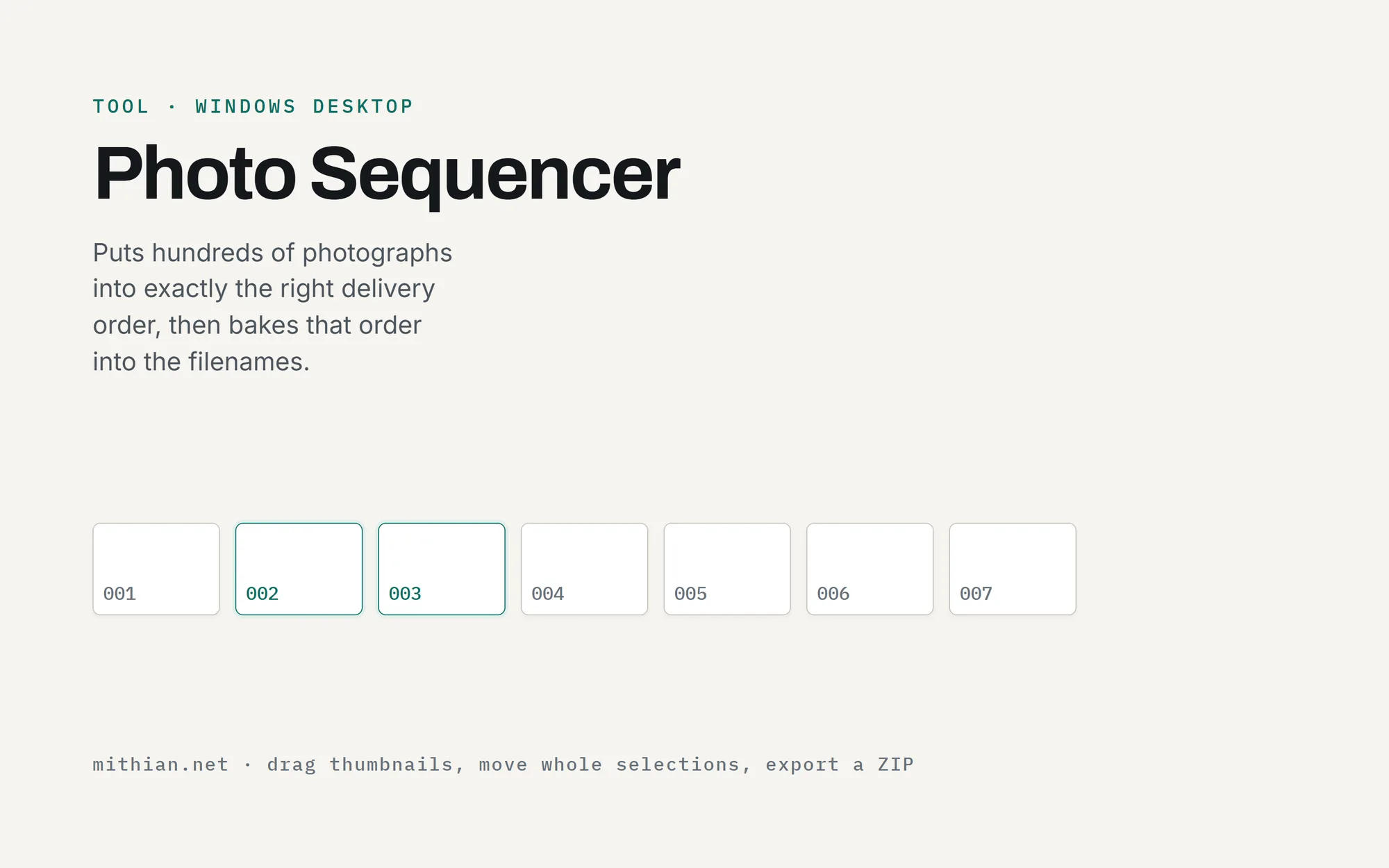
A Windows desktop app for putting hundreds of photographs into exactly the right order. Drag thumbnails, move whole selections at once, export a ZIP with the order baked into the filenames.
After every wedding comes an unglamorous job: putting several hundred photographs into the order they'll be delivered in. File explorers are terrible at this. Photo Sequencer is a desktop tool built for that one job.
How it works
Drag photographs or whole folders into the window and they appear as thumbnails, each numbered with its position. Drag one, or select a block with ctrl-click and shift-click, and a caret shows exactly where it will land. The numbers update live as things move. Sorting by filename, date taken or file date gives a starting point to fine-tune by hand.
The export
"Export in this order" writes a ZIP with each file renamed so the sequence survives anywhere it's unzipped: 001, 002, 003. Those numbers line up exactly with the numbered proofing galleries in the OP Photography platform, so the desktop tool and the web platform speak the same language.
Built in Python and packaged as a double-click Windows app. No installer, no dependencies, runs on any 64-bit Windows 10 or 11 machine. Tools don't have to live in a browser.
What it does
- Drag-and-drop import of photos and whole folders
- Multi-select block dragging with a live position caret
- Sort by filename, date taken or file date, then hand-tune
- ZIP export with the order baked into the filenames
- Ships as a double-click .exe, nothing to install